Print.
Give every visitor a clear department-specific token and place them instantly into the live queue.
Cloud queue management
Print tokens, call visitors, show displays, send SMS/QR updates, and review reports— one cloud system for clinics, hospitals, schools, banks, and service desks.
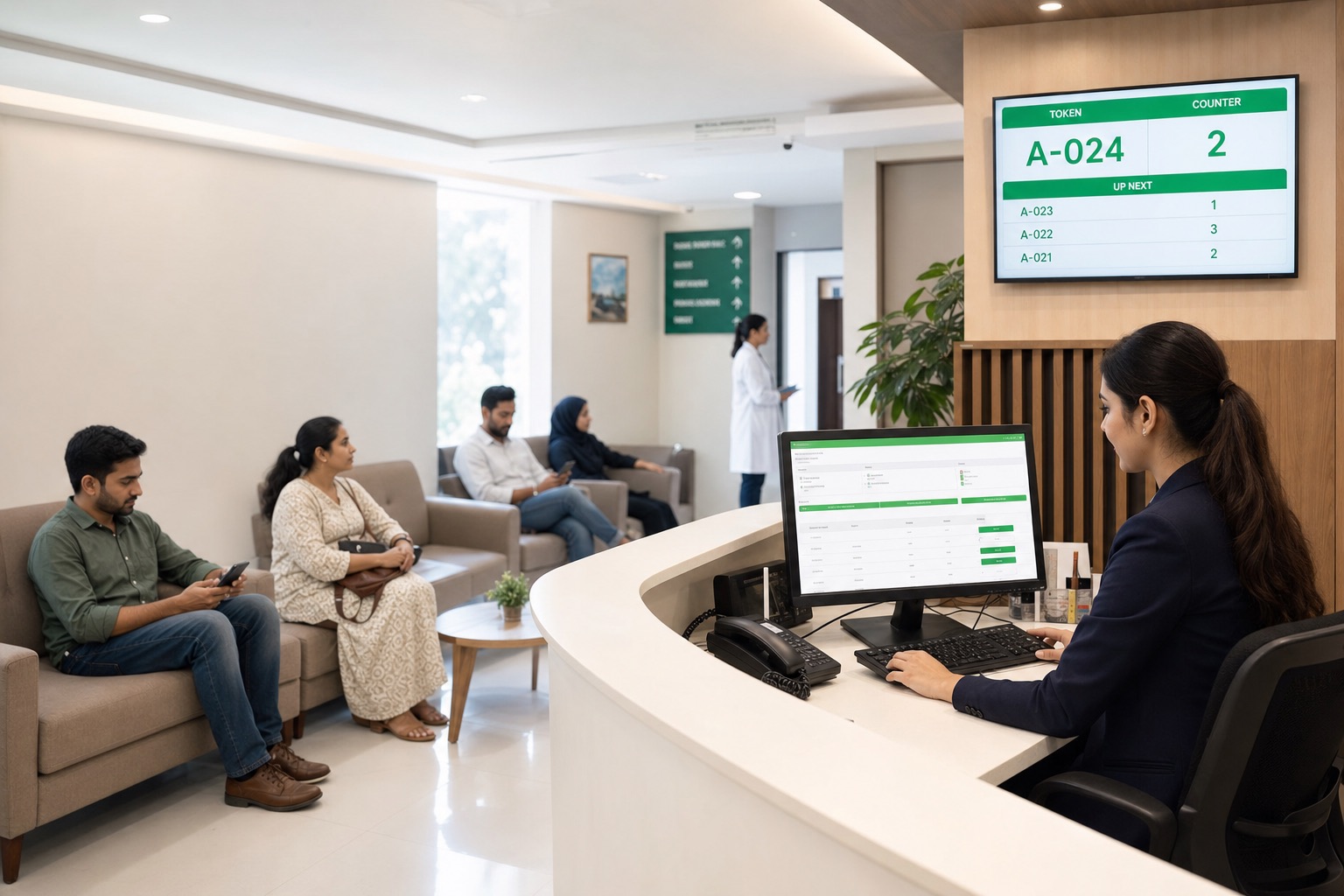
One continuous workflow
Give every visitor a clear department-specific token and place them instantly into the live queue.
Let staff call the next customer, recall a token, complete service, or record a no-show.
Update the waiting-room display and voice announcement so visitors know exactly where to go.
Transform completed queue activity into reports for wait times, peak hours, departments, and staff.
See it at a glance
Skim the visuals—or read the short notes. Either way, the workflow is clear.
Department tickets with optional mobile number and wait estimate.
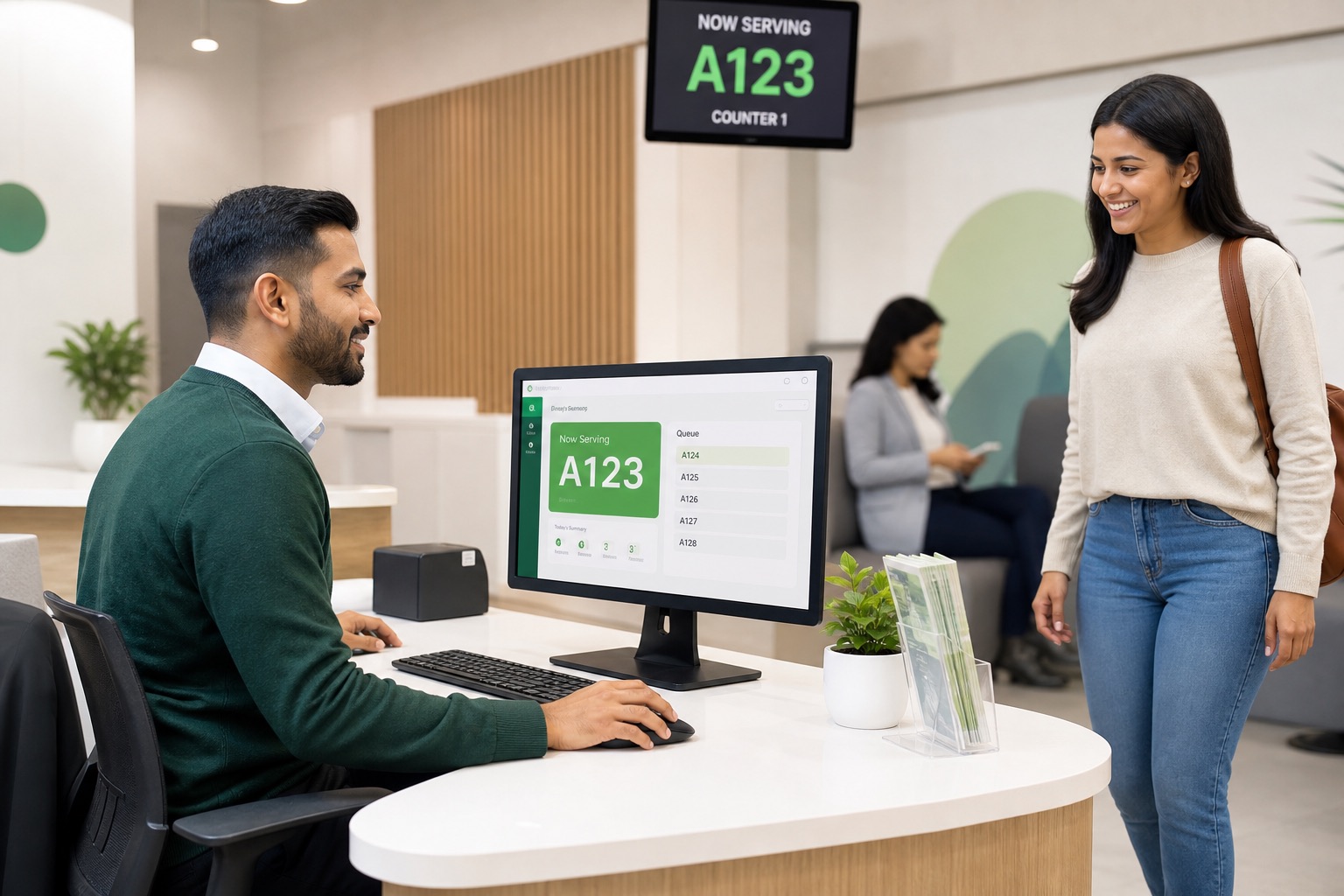
Call, recall, complete, no-show, or forward from one screen.
Waiting-area screens announce the token, room, and optional ads.
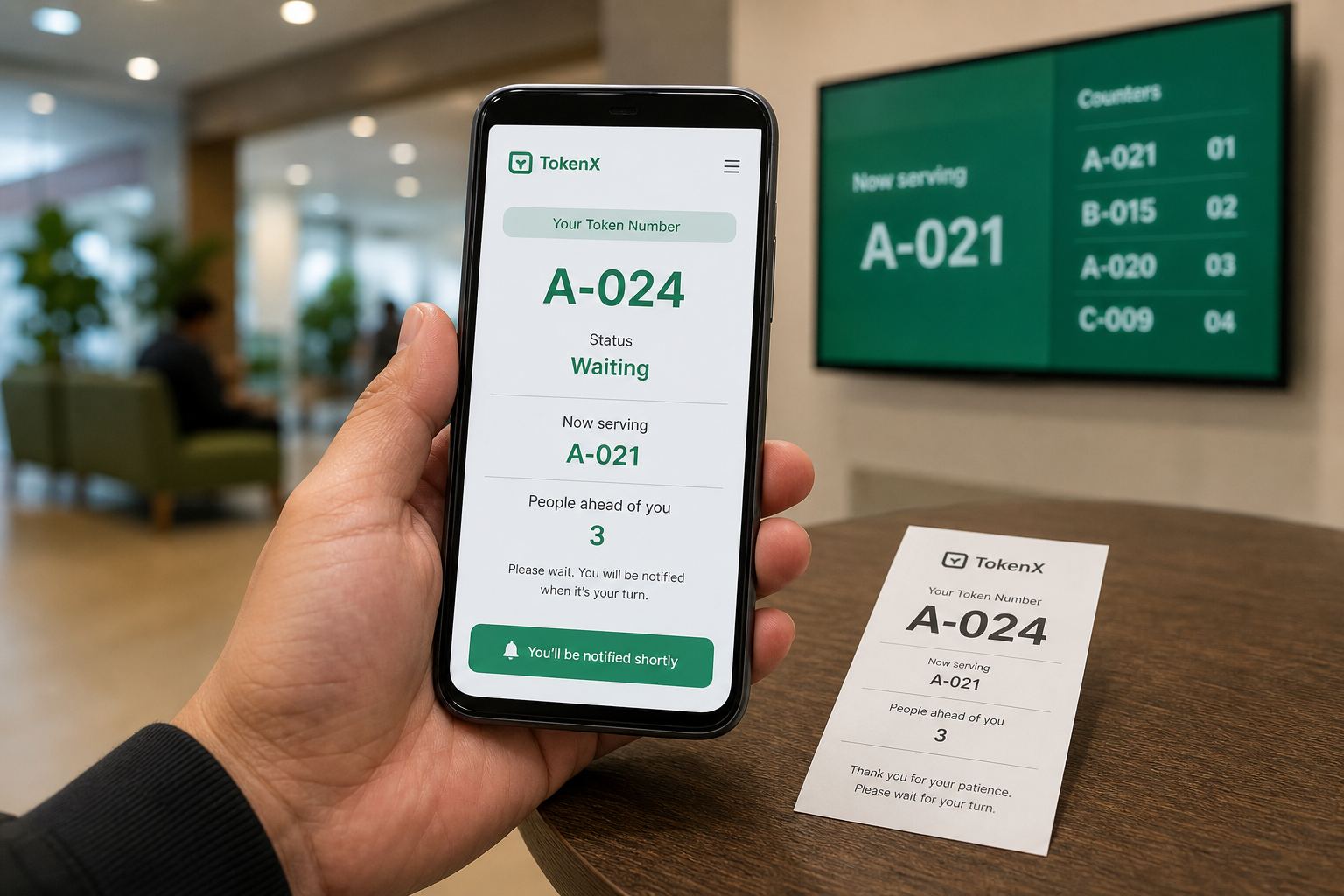
Text alerts when called, plus a live phone status page via QR.
Separate queues, prefixes, rooms, and staff per department.
Hospital doctors/services, plus wait-time and productivity reports.
Stop the chaos
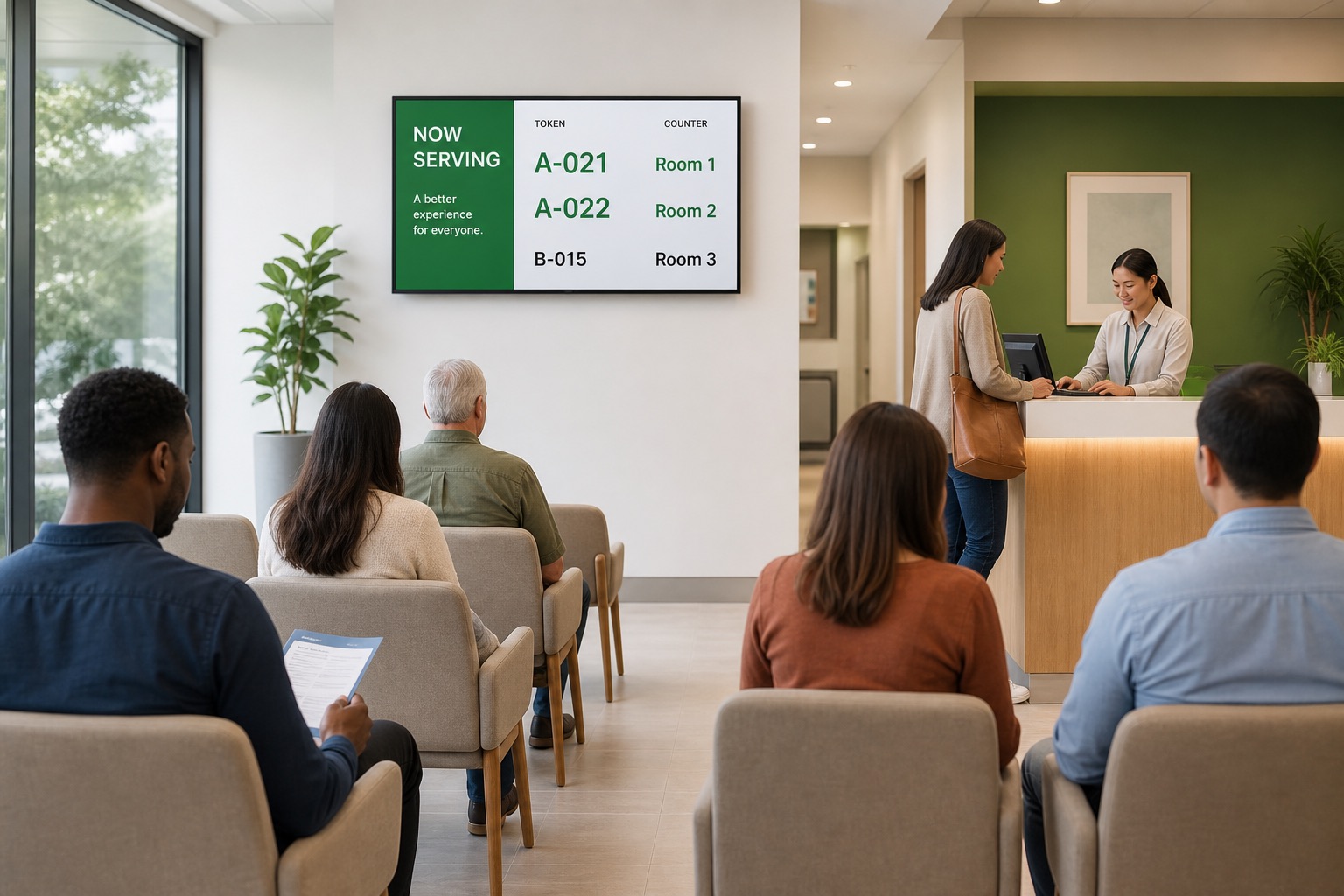
One picture shows the difference. TokenX keeps the waiting area ordered.
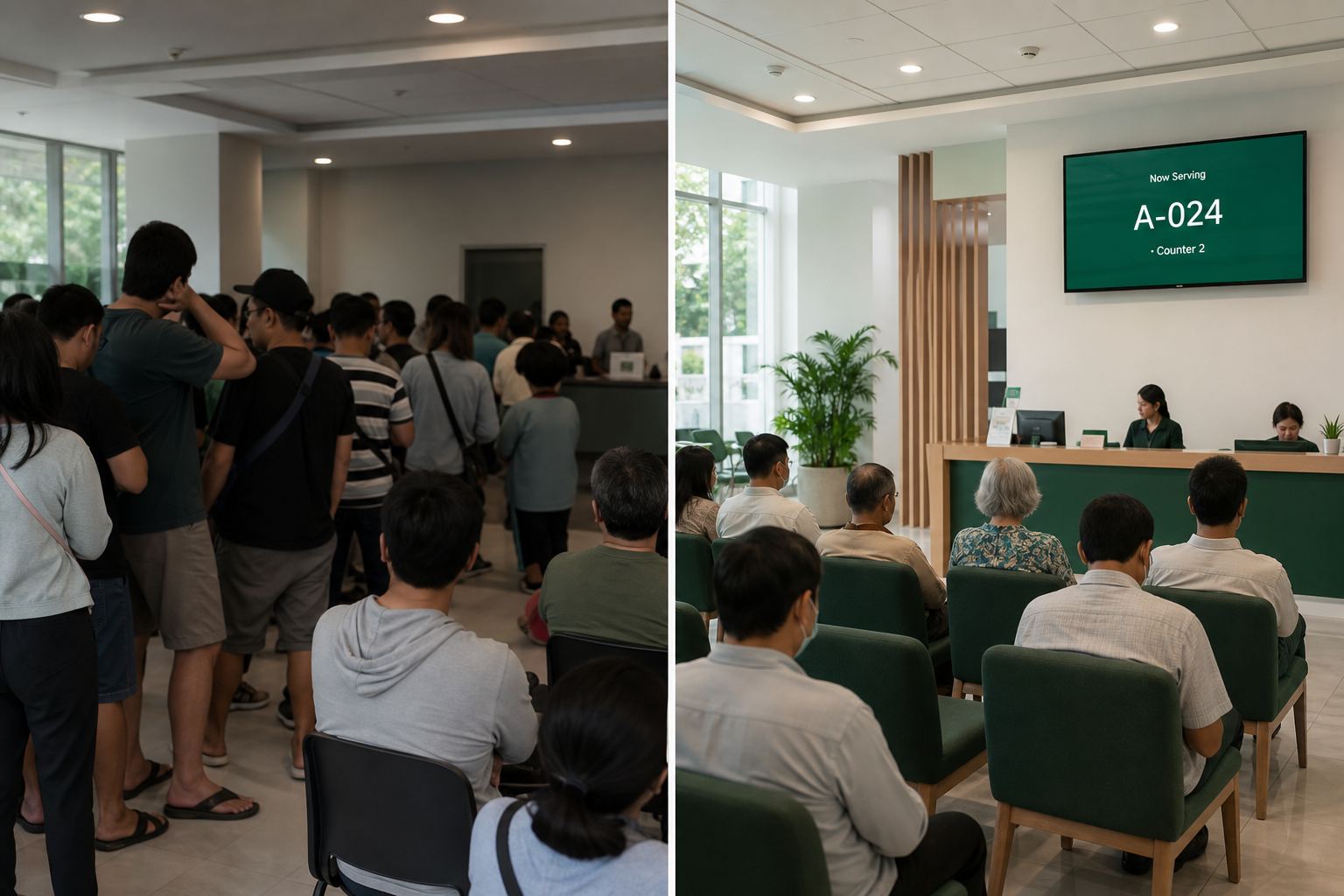
Shouting, confusion, pressure on staff.
Sit, wait, and go when your number is shown.
Visitor updates
Visitors stay informed without hovering at the desk.
Issued and called notifications.
Token, now serving, people ahead.
Shown from visitors ahead.
Callers alerted to new tokens.
How it works
Print → Call → Show → Improve.
Visitor gets a department token.
Staff call or forward next.
TV, voice, SMS, QR update.
Reports guide staffing.
Roles at a glance
Departments, staff, branding, reports.
Issues the queue number.
Serves from room or counter.
TV display and voice.
Operational visibility
See demand, wait times, and peaks—without separate spreadsheets.
Illustrative dashboard values shown for product demonstration.
Built for real service teams
Right queue from the first step.
Call, complete, or mark no-show.
TV + voice + optional ads.
SMS and QR live status.
Reports and peak-hour insight.
TokenX for hospitals & clinics
Doctors, services, rooms, token forwarding, TV displays, and reports—built for clinics.
Print a department token → forward to a doctor or service → call the patient → show on TV and phone.
Reception issues a department number.
Send the same token to a doctor or service.
Provider calls next and directs the patient.
Screens update; reports track each provider.
Rooms, duty hours, caller login.
Lab, pharmacy, nursing queues.
Counters and consultation rooms.
Same token to the right provider.
TV shows doctor or service name.
Visits and waits per provider.
TokenX for schools
Admissions, fees, certificates, parent meetings—organized with tokens and displays.


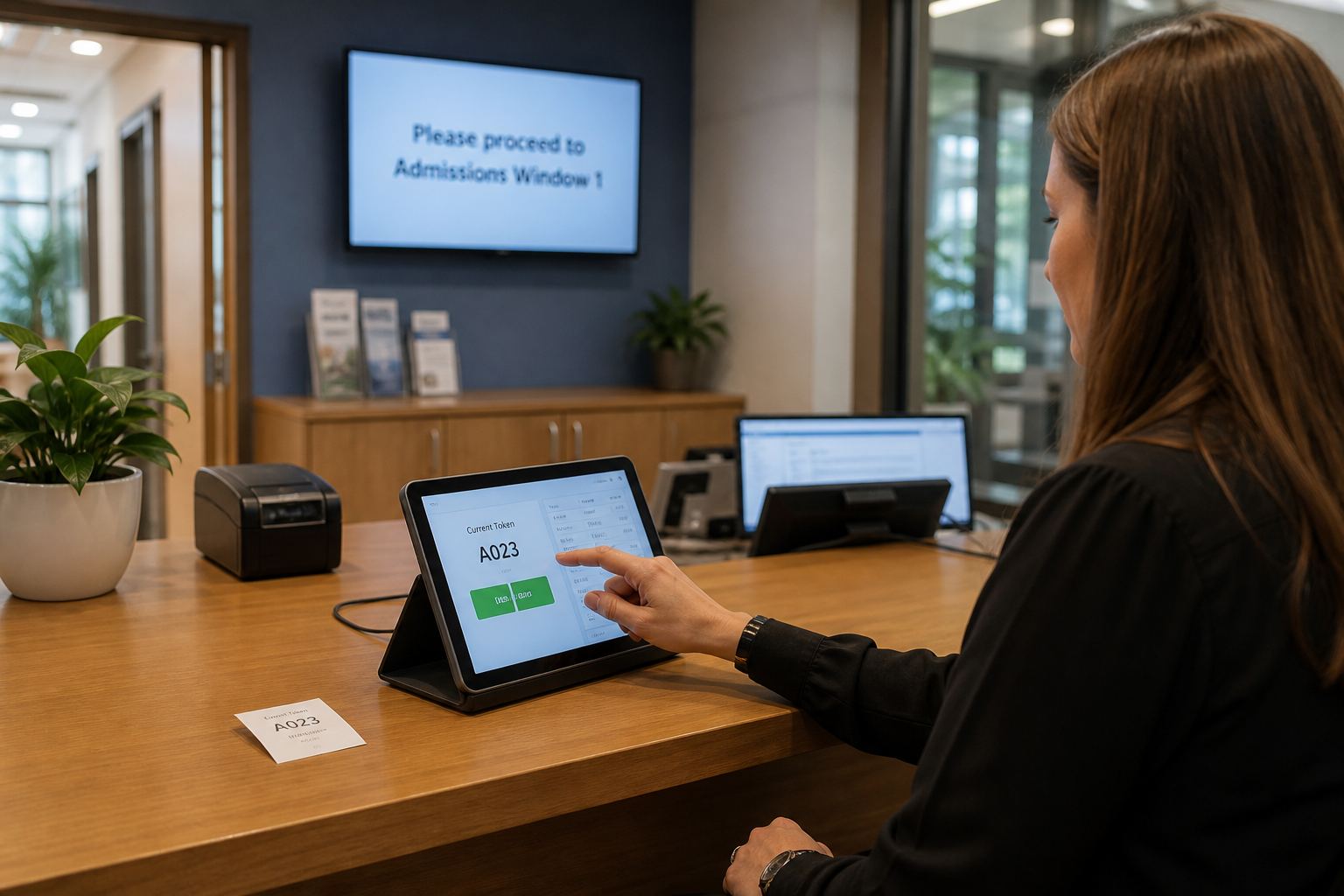
Parent takes a token → waits calmly → staff call the window → TV shows the number.
Admissions, fees, records, or meetings.
Direct to the right window or room.
Waiting area stays informed.
Reports guide staffing on busy days.
New enrollments in order.
Clear now-serving on payment days.
Records and document requests.
Guide to counselor rooms.
Fair walk-in queue.
Open house help desks.
Straightforward company pricing
Pick Starter, Business, or Pro. Seat limits apply per role (Printer, Caller, and TV each). Departments are unlimited. Yearly billing saves about two months versus paying monthly. One subscription covers the web portal plus Android, iOS, and Windows.
or $149 / year · 5 users per role
or $299 / year · 15 users per role
or $599 / year · 25 users per role
Prices are listed in USD. Applicable taxes may be calculated at checkout. Web payments are processed by Paddle as Merchant of Record. Read our detailed pricing, subscription terms, and refund policy.
Common questions
TokenX is digital queue and token management software. It helps organizations issue queue tickets, call visitors, show announcements on shared displays, and review operational reports.
TokenX is designed for organizations with waiting customers, including clinics, hospitals, schools, pharmacies, banks, government offices, customer service centers, and other counter-based services.
Yes. Schools and colleges use TokenX for admissions, fee counters, certificates, counseling, and general admin office visits—with separate queues, staff calling, and waiting-area displays for parents and guardians.
Yes. In Hospital/Clinic mode, administrators can register doctors with duty hours and clinical services such as lab or pharmacy, assign them to rooms, forward patient tokens to the right provider, and review per-doctor and per-service reports.
Yes. When enabled, TokenX can send SMS when a token is issued or called. Visitors can also scan a QR code to open a live mobile status page showing their token, now serving, and people waiting ahead.
One company subscription covers that organization on all platforms. Seat limits apply per role: each package allows a set number of Printer, Caller, and TV (Announcer) users. Departments are unlimited. Choose Starter, Business, or Pro based on how many staff you need.
The company entitlement supports the TokenX web portal and supported Android, iOS, and Windows applications. Available functions vary by assigned role and device.
No. New eligible companies receive a 30-day trial after account activation, allowing them to evaluate the system before purchasing.
Web card payments are handled securely by Paddle as Merchant of Record. TokenX does not store your full card details on its servers.
Create your company account and explore TokenX free for 30 days.