1
Arrive
Parent gets a token.
Education queue management
Admissions, fees, certificates, meetings—tokens, calling, and displays so the office stays clear.
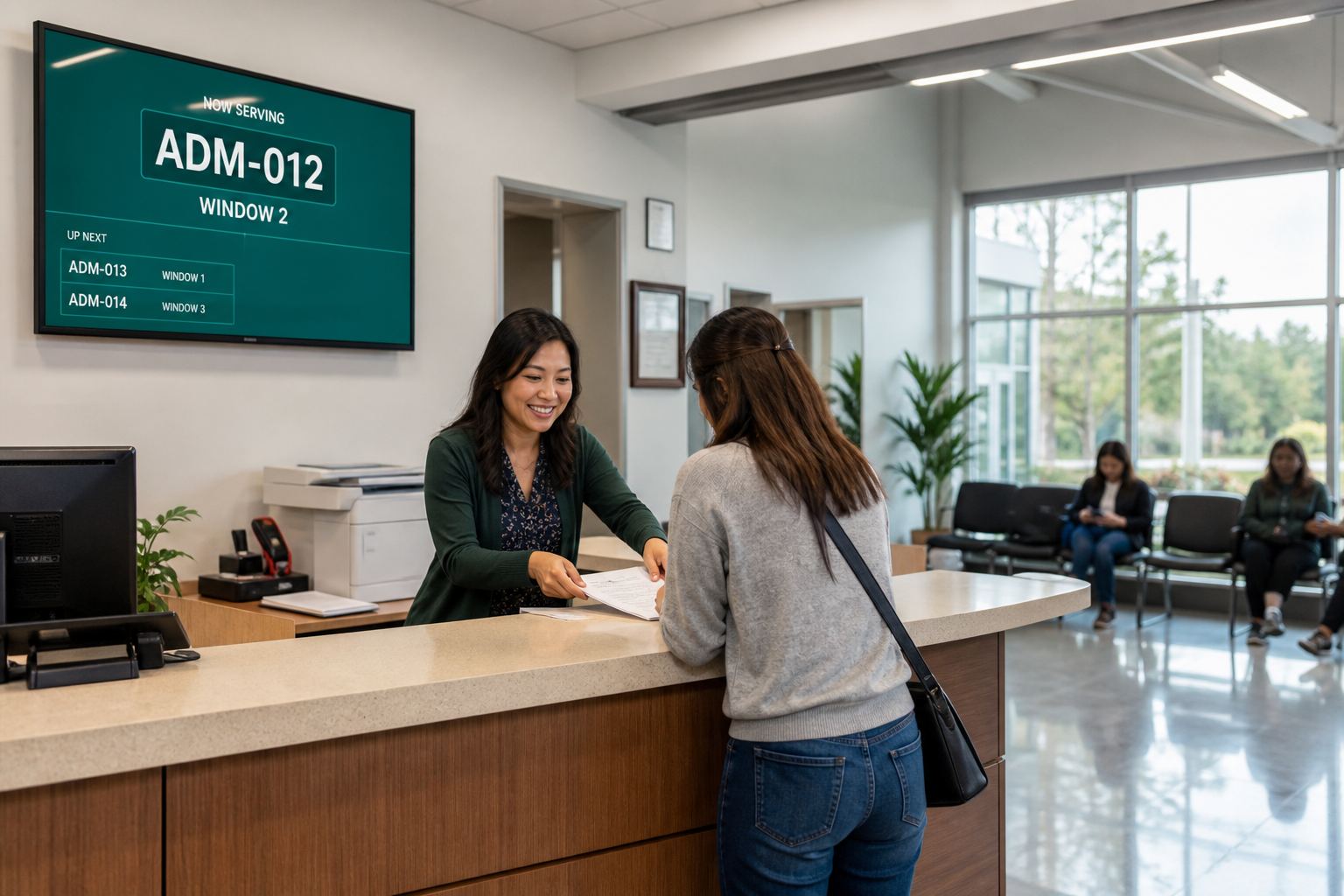
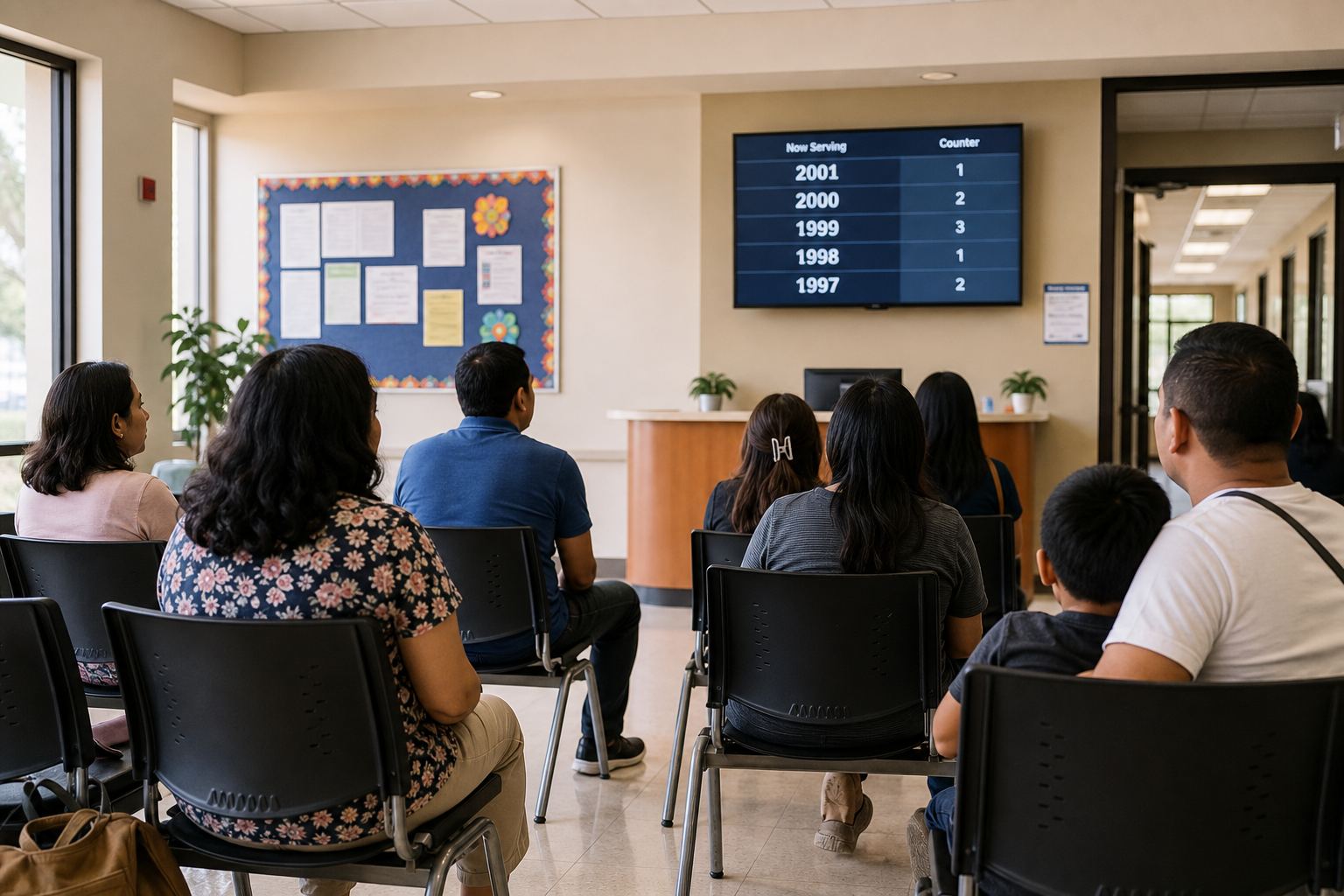
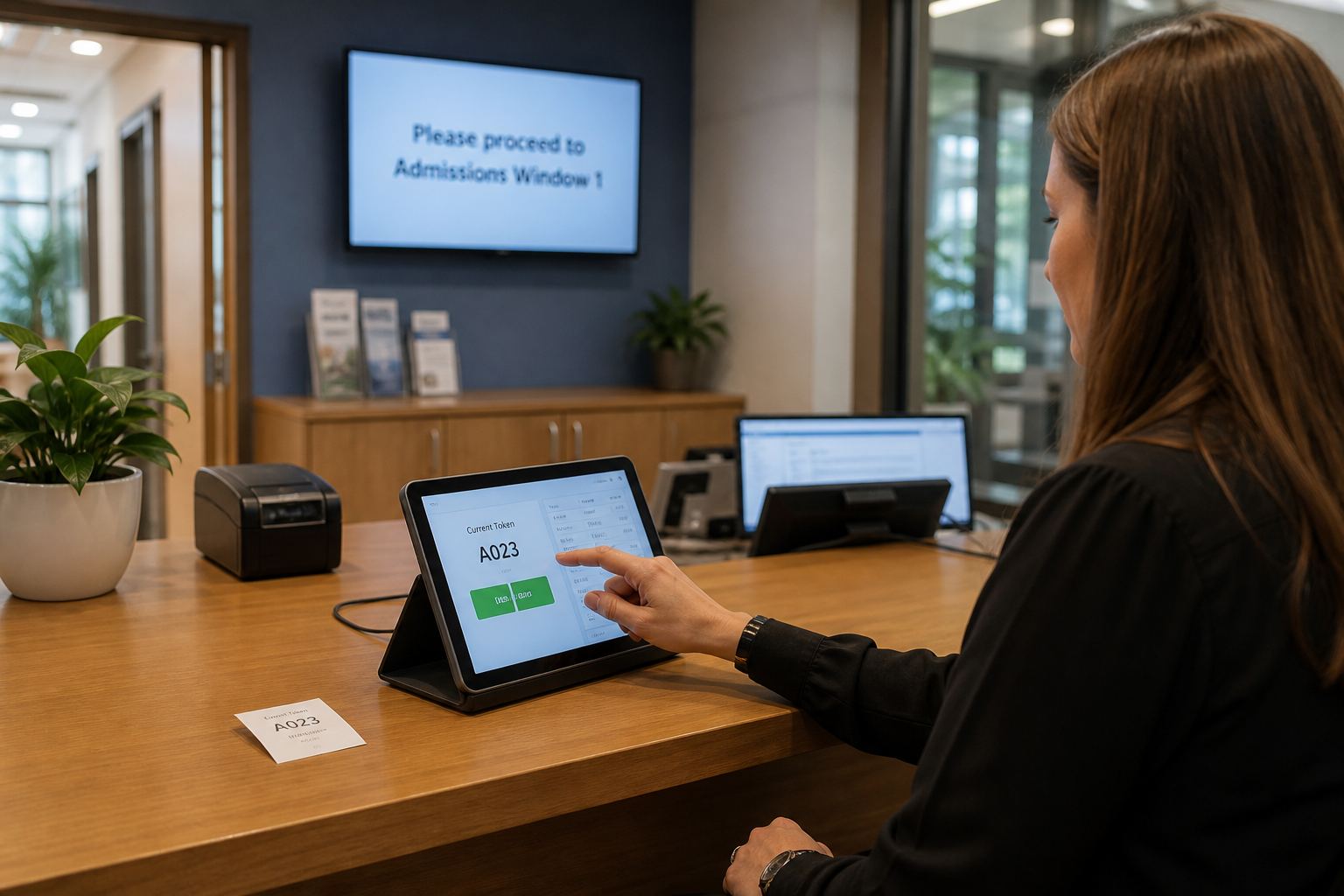
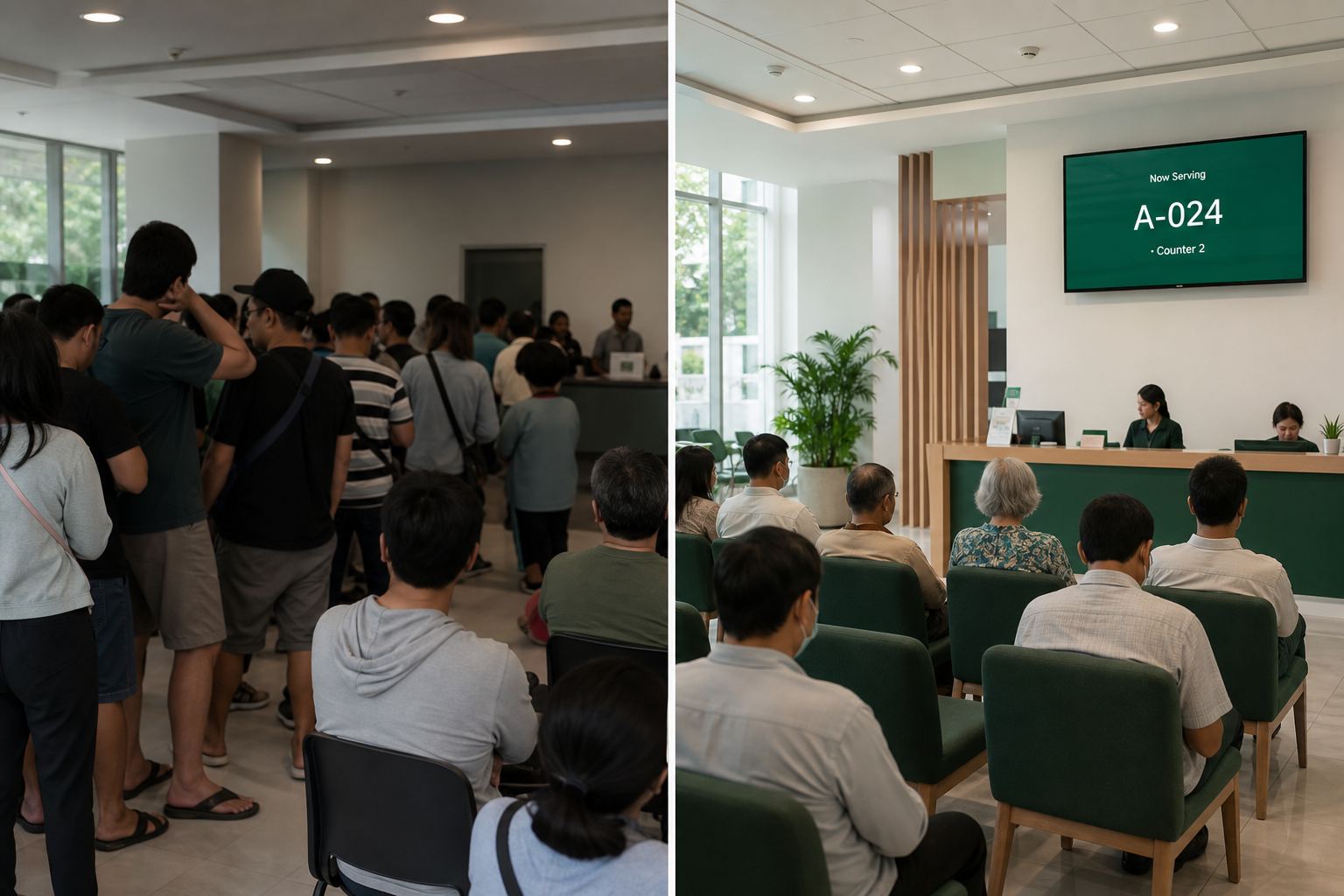
Fee days and enrollment weeks stay organized.
Parent gets a token.
Sit without crowding.
Staff call the window.
TV / SMS / QR update.
Enrollment in order.
Clear payment queues.
Records and documents.
Counselor rooms.
Fair walk-in flow.
Open-house help desks.
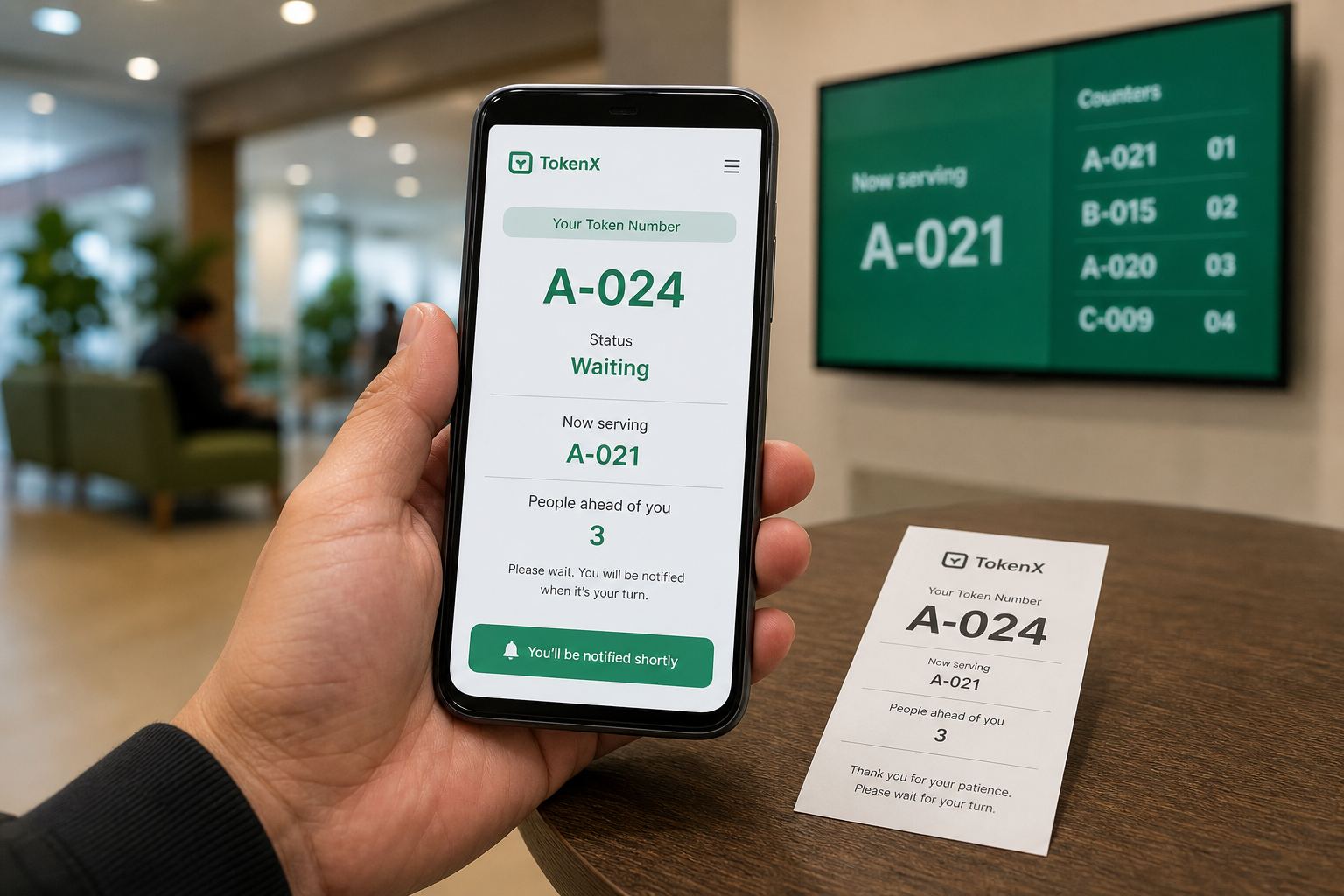
Schools can run separate queues for admissions, fee counters, certificates, counseling, and general admin visits. Parents receive a token, staff call the next visitor, and waiting-area displays show who is being served.
Yes. Multiple departments and counters keep high-volume days organized, while reports show peak hours so administrators can plan staffing.
No. Visitors receive a printed or on-screen token at the school office. Staff use the TokenX caller and announcer roles to call and display the next number. Parents can optionally follow live status by scanning a QR code, and SMS can notify them when enabled.
Start a 30-day free trial and set up school office queues in the TokenX portal.
Start free trial